Unsure how to choose a printing machine for your small business? This 2026 ultimate guide compares screen printing, pad printing, and digital printers, key buying factors, budget tips, and common mistakes to avoid.
Introduction
Choosing the right printing machine is one of the most critical decisions for print shops, product decorators, and small manufacturing businesses. A wrong machine purchase leads to low production efficiency, poor print quality, high waste rates, and wasted capital. Many new business owners either overspend on unnecessary industrial equipment or buy cheap low-performance machines that cannot meet commercial standards.
In 2026, three printing technologies dominate small-batch and commercial customization markets: screen printing, pad printing, and digital printing. Each has unique strengths, suitable substrates, volume ranges, and profit margins.
This step-by-step guide will help you select the most suitable printing machine based on your products, materials, order volume, budget, and long-term business goals.
Step 1: Confirm Your Printing Products & Substrates (Most Critical)
Different printing machines are designed for specific surface shapes and materials. Matching your substrate first eliminates 80% of unsuitable equipment options.
1. Flat & Large Surface Products
Best choice: Screen printing machine / Flatbed digital printer
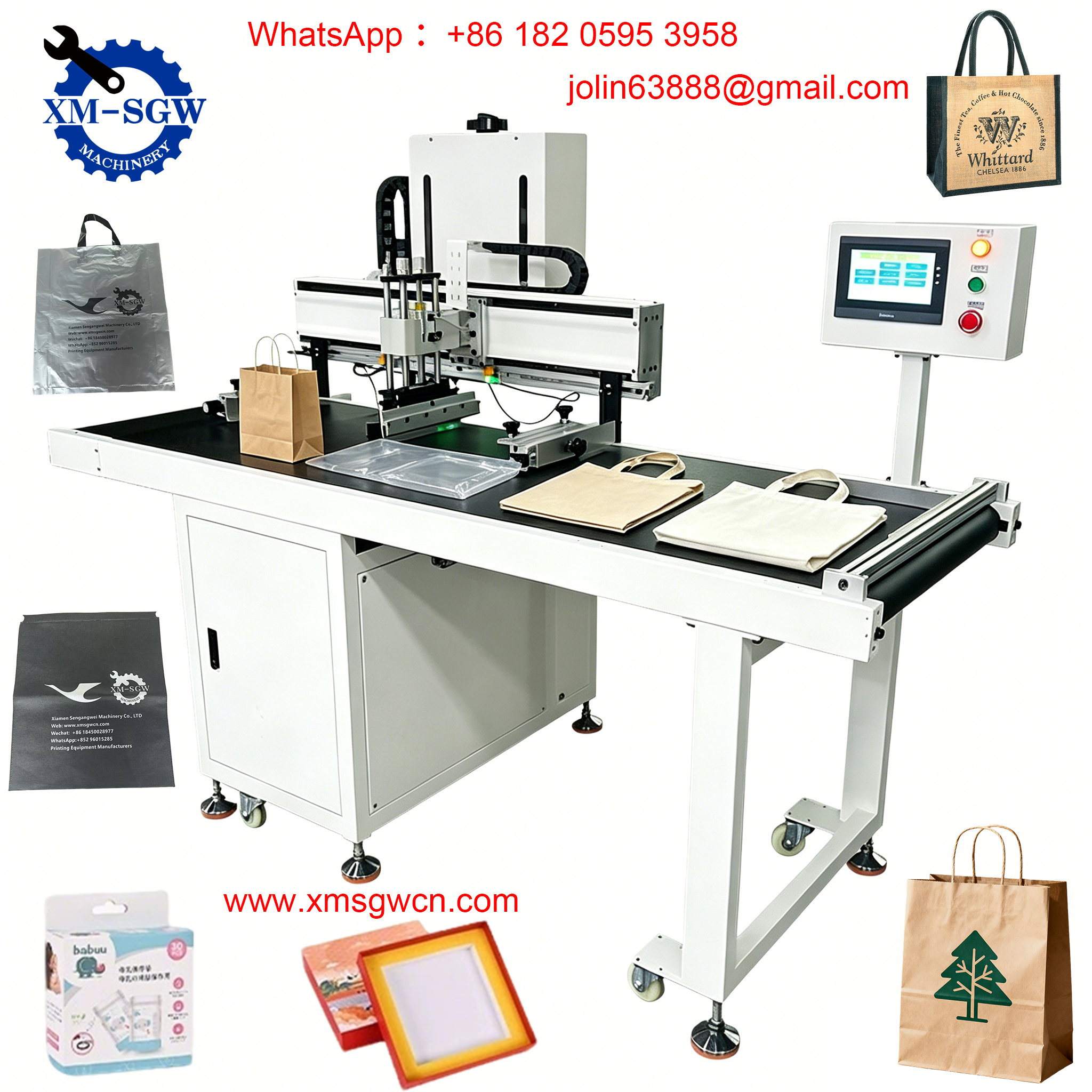
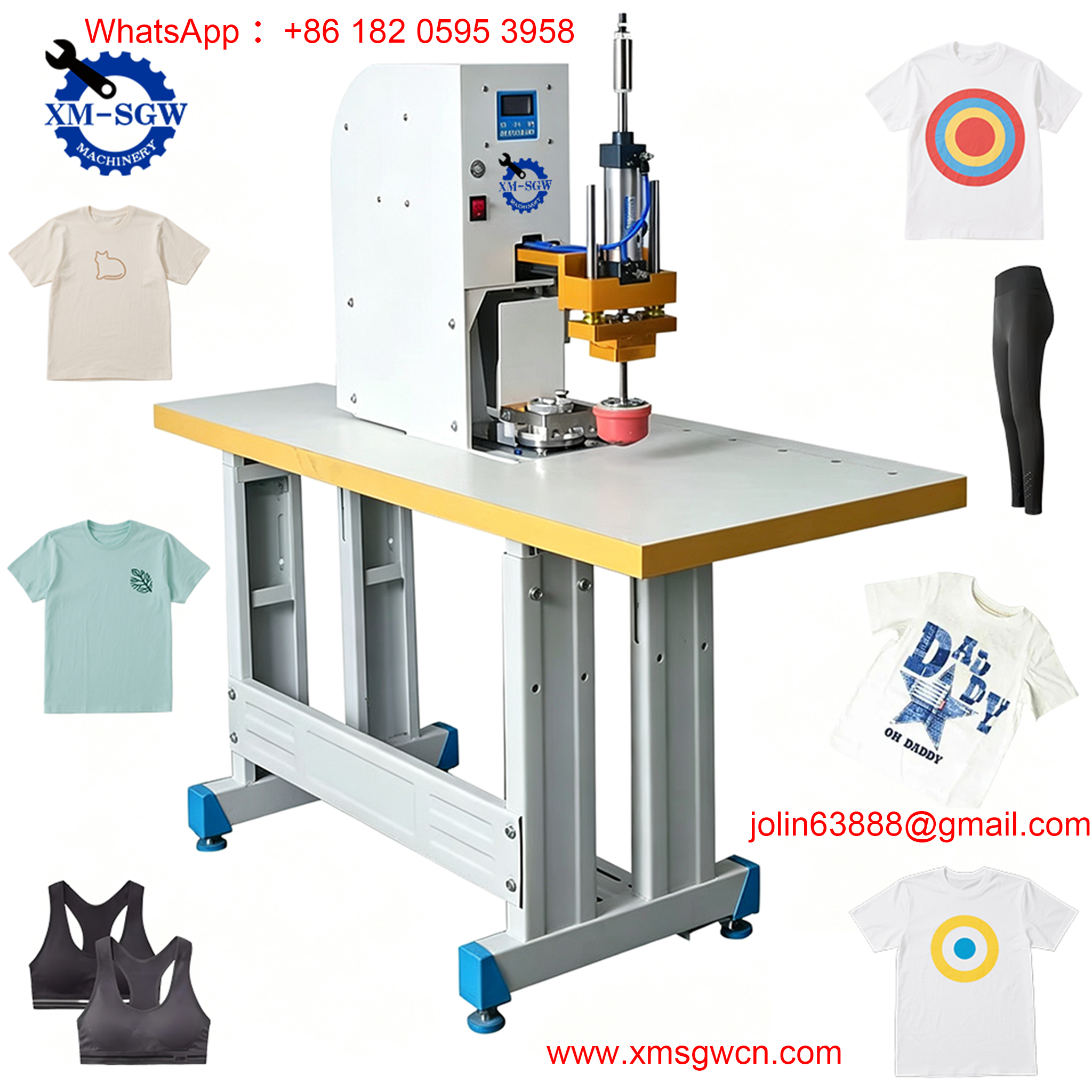
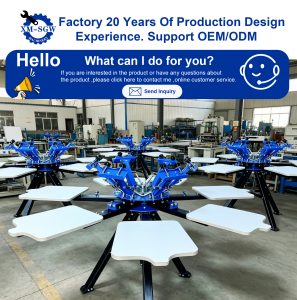
Ideal for non-woven bags, garments, paper, packaging boxes, flat plastic sheets, acrylic, and signage. Screen printing delivers thick, vivid, durable ink layers for bulk orders, while digital printing supports full-color personalized small-batch orders.
2. Curved, Small & Irregular Products
Best choice: Pad printing machine/Screen printing machine
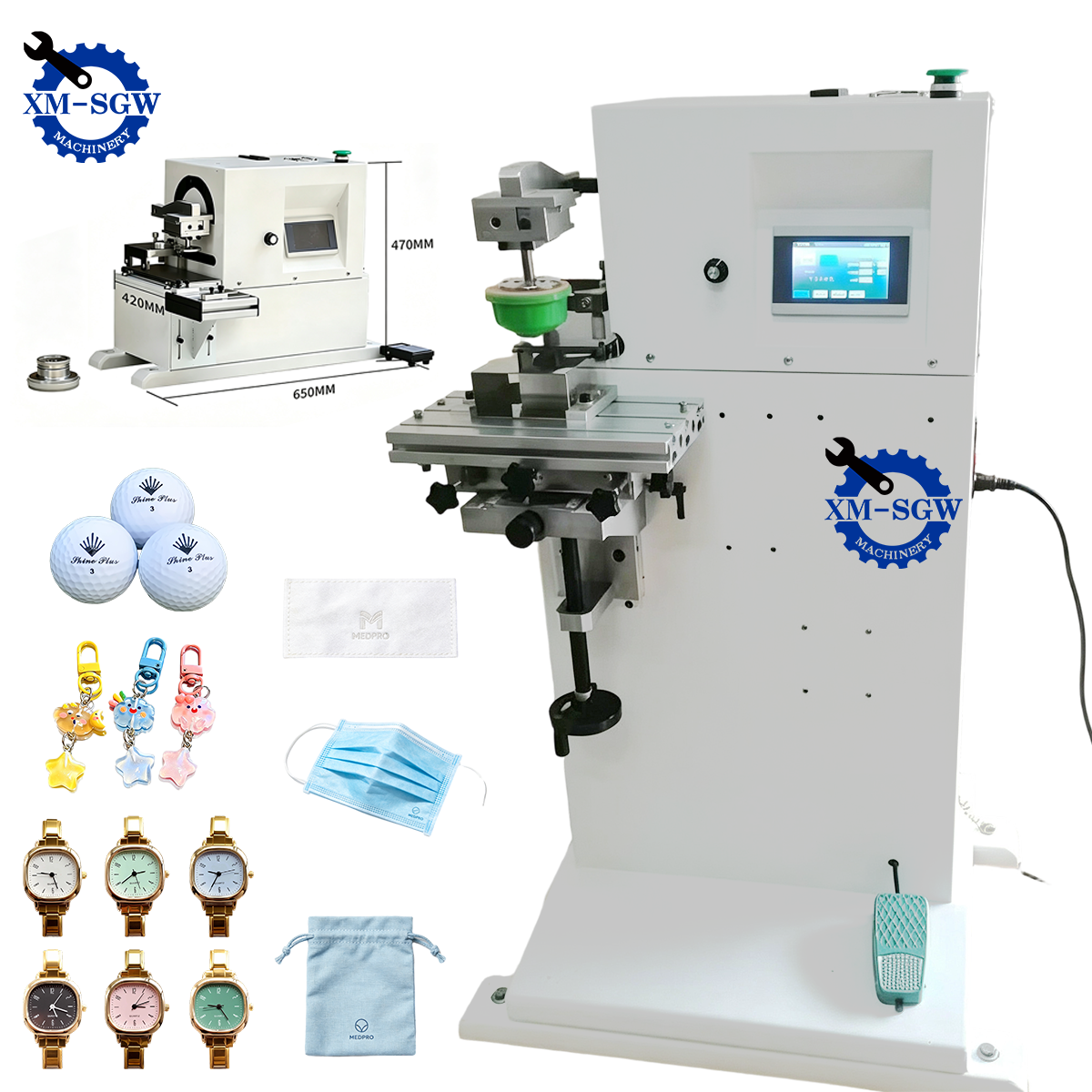
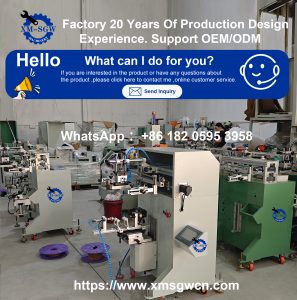
Perfect for small plastic parts, Lego minifigures, bottle caps, pens, cosmetic tubes, electronic buttons, and tiny hardware components. The flexible silicone pad adapts to curved, recessed, and textured surfaces that screen and digital printers cannot handle precisely.
3. Full-Color & Personalized Products
Best choice: UV digital printer
Suitable for photo-level patterns, variable data printing, and one-piece customization. No screen or plate making required, ideal for low-volume, high-diversity orders.
Step 2: Judge by Daily Production Volume
Production volume directly determines whether you need manual, semi-automatic, or fully automatic equipment. Avoid over-investing in automation for small orders or buying underpowered machines for bulk production.
Low Volume: Manual Machines
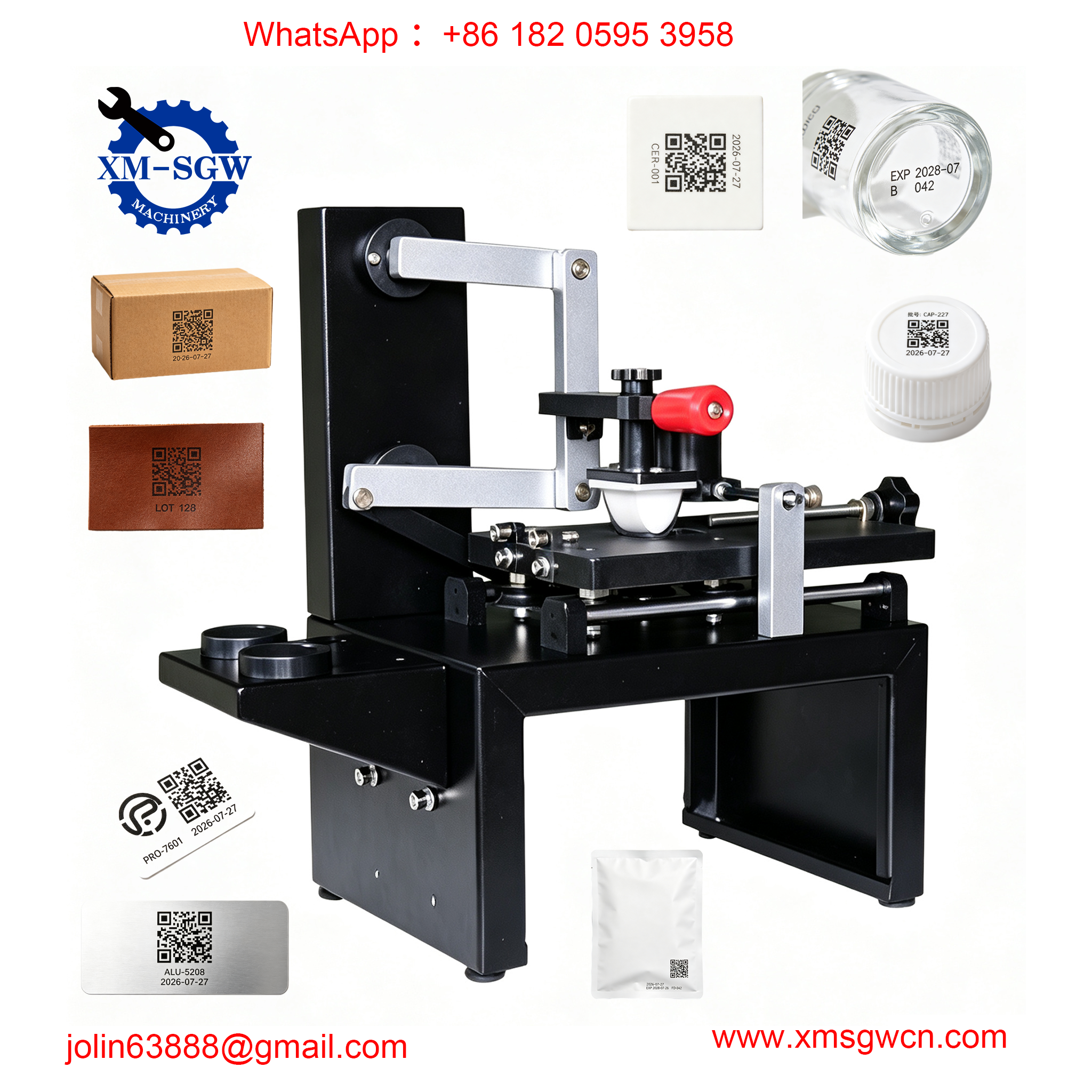
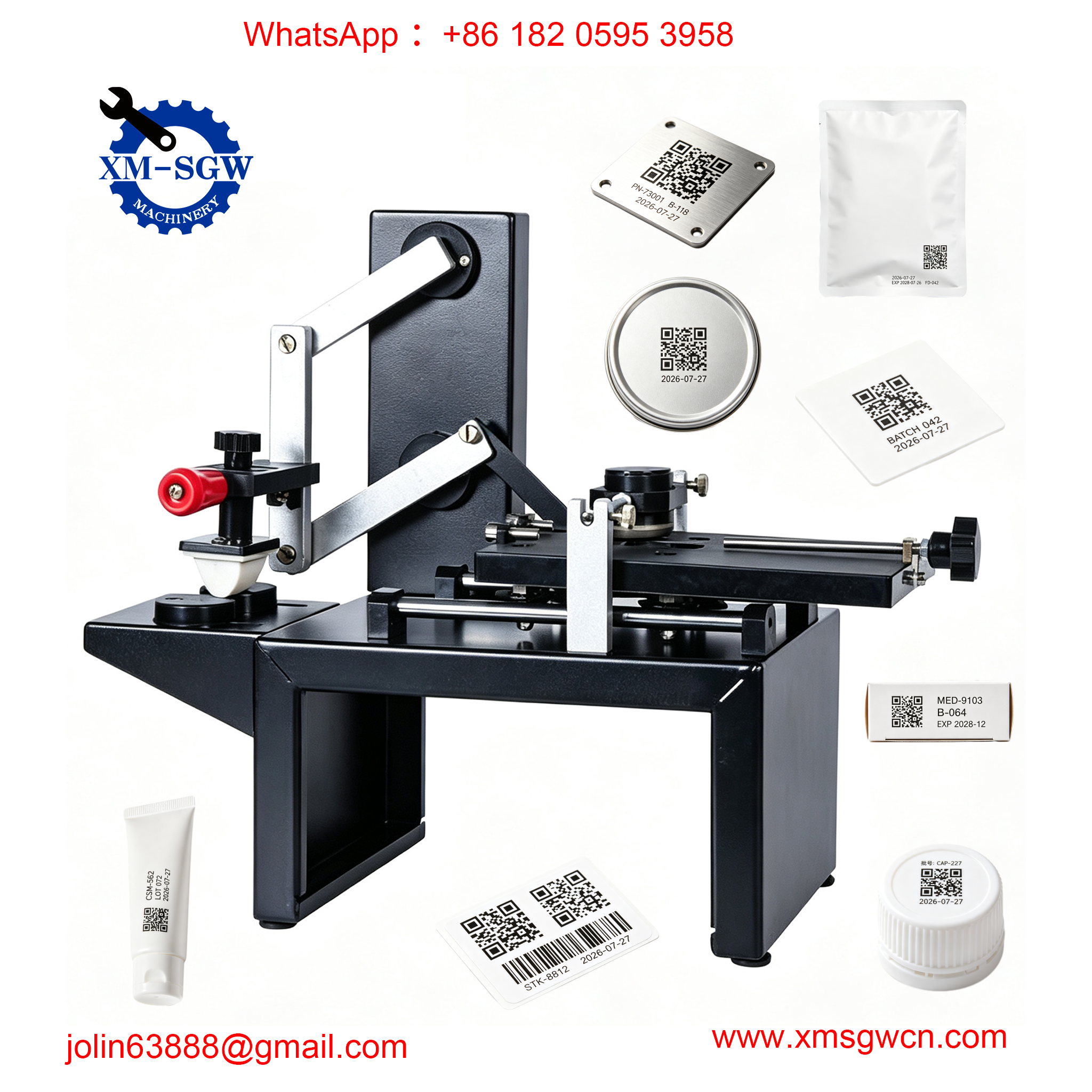
Manual screen printers and manual sealed ink cup pad printers are the best options. Low cost, no air compressor or complex setup required, easy to operate, and perfect for startups, sample making, and small-batch customization.
Medium Volume: Semi-Automatic Machines
Semi-automatic equipment balances speed and cost. Automated printing strokes ensure stable pressure and consistent print quality, greatly reducing manual errors and operator fatigue. This is the most cost-effective choice for most mature small businesses.
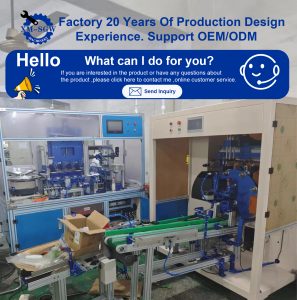
High Volume: Fully Automatic Machines
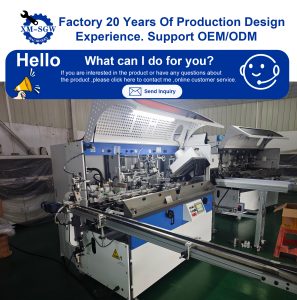
Automatic carousel screen printers or rotary pad printing lines support uninterrupted mass production, suitable for factory-scale batch orders and long-term fixed product production.
Step 3: Select Printing Technology Based on Order Features
We summarize the core applicable scenarios of the three mainstream printing technologies for quick selection:
|
Printing Technology
|
Core Advantages
|
Best Application
|
Limitation
|
|---|---|---|---|
|
Screen Printing
|
Thick ink layer, strong coverage, low bulk cost, high durability
|
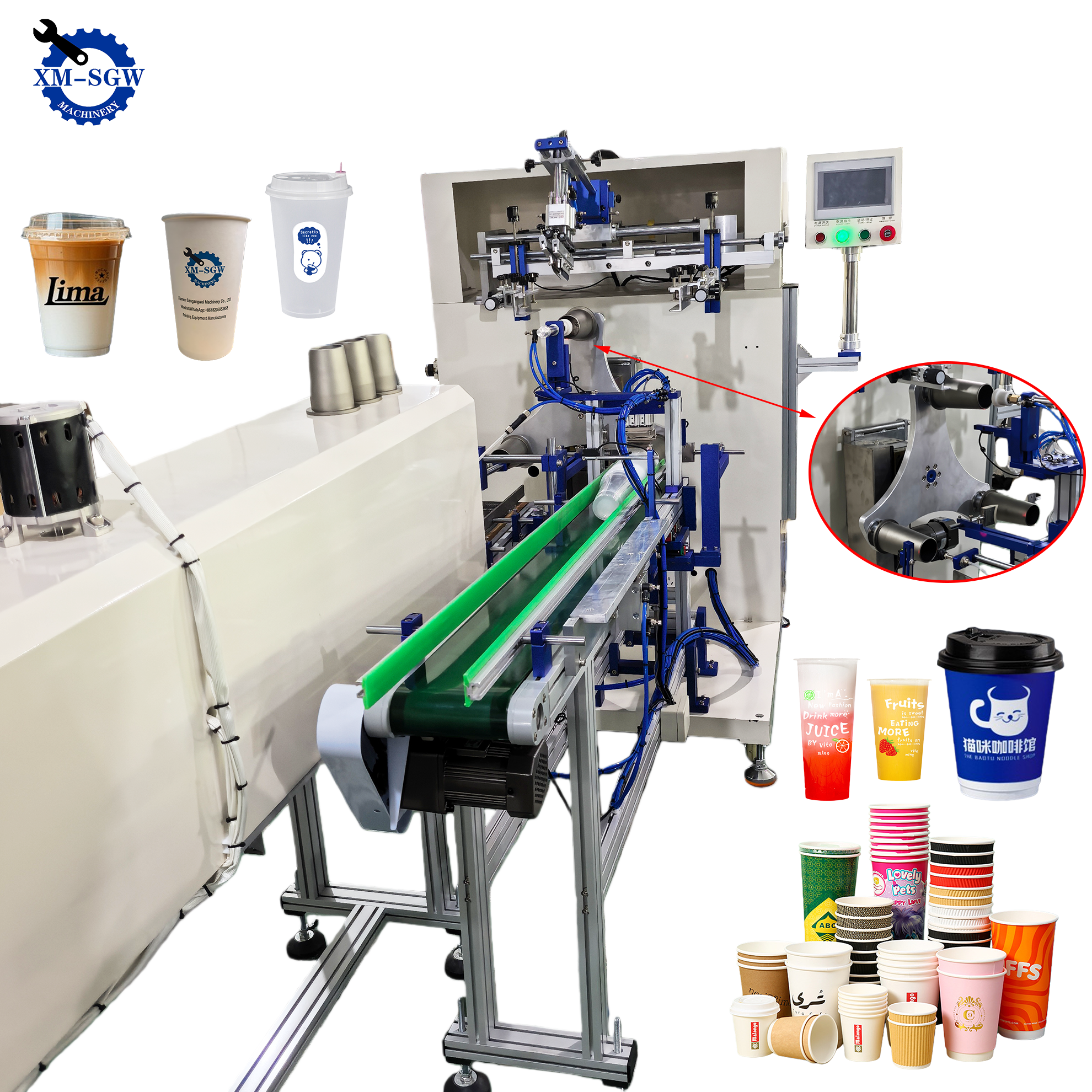
Bags, garments, flat packaging, large-area logos,cup,bottle
|
Not suitable for complex full-color patterns
|
|
Pad Printing
|
Ultra-high precision, adapts to any irregular surface, fine detail printing
|
Small plastic parts, toys, electronic components, cosmetic accessories
|
Small printing area, not for large flat graphics
|
|
Digital UV Printing
|
No plate making, full color, variable data, fast proofing
|
Personalized gifts, photo printing, small-batch custom products
|
High per-unit cost for bulk orders, thinner ink layer
|
Step 4: Set a Reasonable Budget & Calculate Total Cost of Ownership
Many buyers only focus on the machine’s initial price while ignoring long-term operating costs. A truly cost-effective machine must be evaluated by total cost of ownership (TCO).
1. Entry-Level Startup Budget
Suitable for new startups and hobby-to-business transformation. Choose manual screen printers or manual sealed ink cup pad printers. Low upfront investment, simple maintenance, and zero risk for market testing.
2. Standard Small Business Budget
The most popular commercial grade. Semi-automatic screen/pad printers with stable performance, higher precision, and faster production speed, fully meeting daily commercial order needs.
3. Factory-Scale Budget
Fully automatic multi-color printing equipment, suitable for large-scale mass production and long-term contract orders.
Key Cost Reminder
Besides the machine price, reserve budget for screens, steel clichés, silicone pads, inks, curing equipment, and fixtures. High-quality consumables determine final print effect and yield rate.
Step 5: Check Core Machine Performance Parameters
After confirming the machine type, verify these key parameters to avoid low-quality equipment:
1. Printing Precision & Registration
For multi-color printing, registration accuracy must reach ±0.05mm or higher. Low-precision machines cause color misalignment and defective products, seriously affecting corporate and high-end custom orders.
2. Ink System Design
Sealed ink cup pad printers are strongly recommended over open ink trays, reducing ink waste by 30–40% and avoiding solvent volatilization. For screen printing, select uniform ink scraping systems for consistent color filling.
3. Frame Structure & Stability
High-quality machines adopt cast aluminum or thick steel frames to avoid shaking during operation. Shaky lightweight frames lead to blurry prints and unstable long-term operation.
4. Workspace & Adjustability
The worktable should support X/Y/Z/angle fine-tuning to adapt to different product sizes and ensure flexible job switching.
Step 6: Match Your Workspace & Operation Conditions
1. Space Limitation
Small workshops and home studios should choose desktop compact machines. Manual pad printers and single-color screen printers occupy less than 1 square meter, perfectly fitting bench-top workspaces.
2. Power & Air Source
Fully manual machines require no electricity or air compressors. Pneumatic semi-automatic models need standard air supply. Confirm your workshop conditions before purchasing to avoid additional renovation costs.
3. Operator Experience
Beginners should prioritize simple mechanical manual machines with a short learning curve. Complex servo automatic equipment is suitable for skilled operators and stable production lines.
Common Buying Mistakes to Avoid
1. Buying the cheapest machine blindly
Ultra-low-cost machines have poor stability, low precision, and frequent failures. The cost of rework, waste materials, and downtime far exceeds the money saved on equipment purchase.
2. Pursuing excessive functions blindly
Many beginners buy 6–8 color high-end machines but only take single-color orders. Excess functions lead to idle waste and increased maintenance costs.
3. Ignoring consumable compatibility
Some brands use proprietary accessories, resulting in expensive and hard-to-purchase later consumables. Choose equipment with universal standard parts.
4. Neglecting after-sales support
Printing machines require regular maintenance and troubleshooting. Suppliers without technical support will cause long-term production stagnation.
5. Mismatched ink and material
Even with a good machine, wrong ink selection leads to peeling, fading, and poor adhesion. Confirm professional ink matching according to your substrate.
6. Overlooking safety standards
For toy, food packaging, and cosmetic printing, confirm machine and ink compliance with EN71, ASTM, and REACH safety standards.
7. No reserved upgrade space
Choose modular and upgradable equipment to support future multi-color expansion and automated upgrades as your business grows.
Final Selection Recommendations by Business Stage
1. Startup / Testing Stage
Choose: Manual pad printer / 1-color manual screen printer
Low risk, low investment, flexible for diverse small orders.
2. Stable Small Business Stage
Choose: Semi-automatic pad printer / 2–4 color screen printer
Balanced speed, precision, and cost, suitable for daily commercial bulk orders.
3. Scaling Production Stage
Choose: Multi-color rotary printer / fully automatic production line
High efficiency, high yield, supporting large-scale batch customization.
Frequently Asked Questions
Q: Which is better, screen printing or pad printing?
Screen printing is for large flat surfaces with low bulk cost; pad printing is for small curved/irregular parts with higher precision. Choose according to your main products.
Q: Do I need an automatic machine for small business?
No. Manual and semi-automatic machines are enough for 90% of small print shops. Automatic equipment is only cost-effective for long-term high-volume orders.
Q: How to reduce printing cost effectively?
Choose sealed ink cup systems to reduce ink waste, reuse screens and clichés, and select universal consumables with low long-term costs.
Q: Can one machine print multiple materials?
Yes. Most screen and pad printers support multiple materials; only the ink and fixtures need to be replaced for different substrates.