In the world of screen printing, even the smallest inconsistency can ruin a batch of products. From misaligned graphics to uneven ink deposition, many quality issues trace back to one critical factor: mesh tension. This is where a silk screen tension meter becomes an indispensable tool. Whether you’re a small-batch printer or a large-scale manufacturing facility, mastering mesh tension measurement is the key to consistent, high-quality outputs. In this guide, we’ll break down everything you need to know about silk screen tension meters—from their purpose to how to choose and use them effectively.
What Is a Silk Screen Tension Meter?
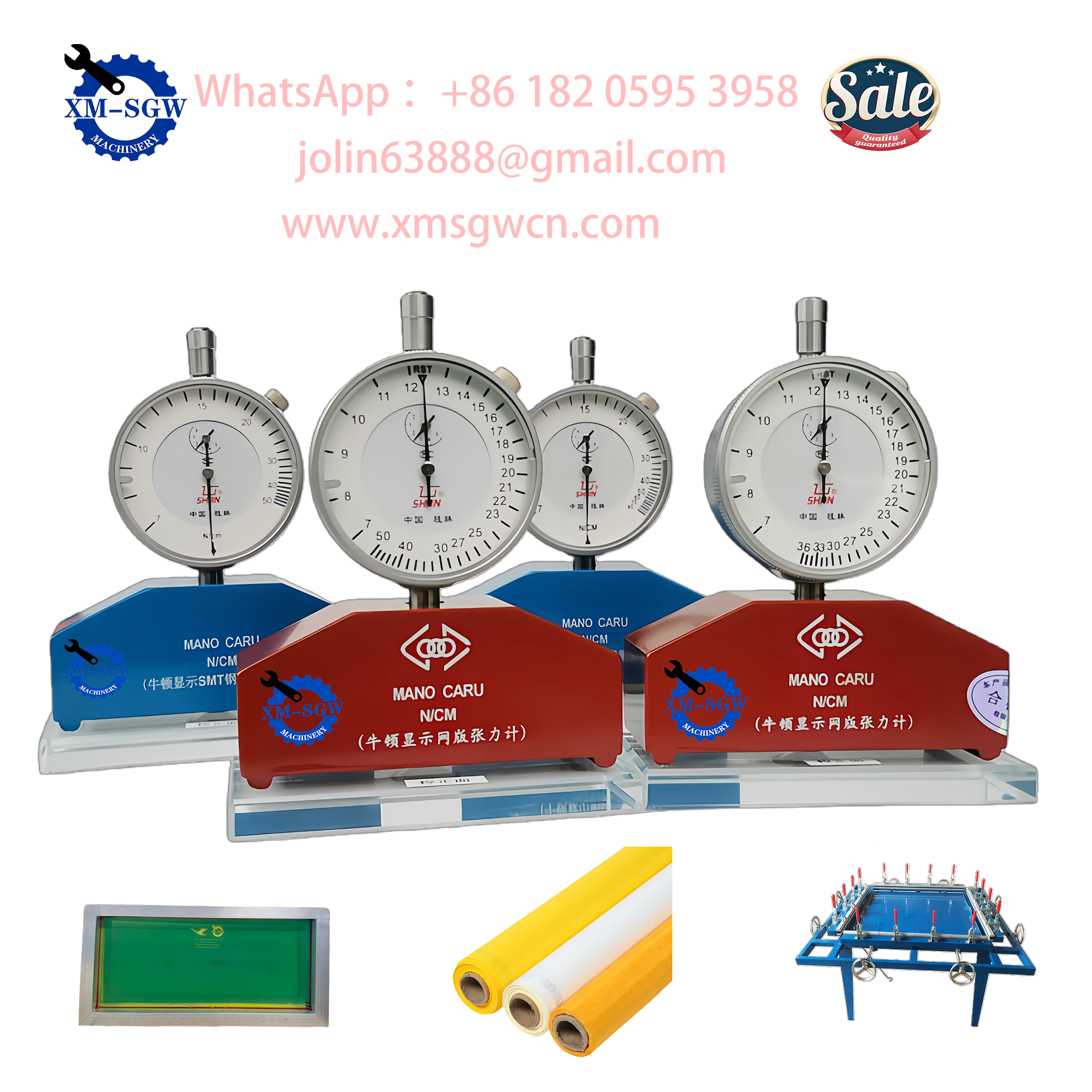
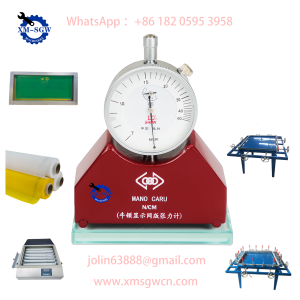
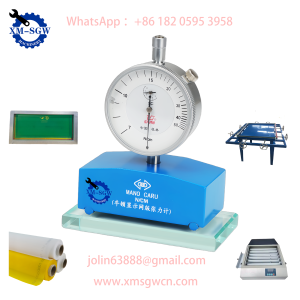
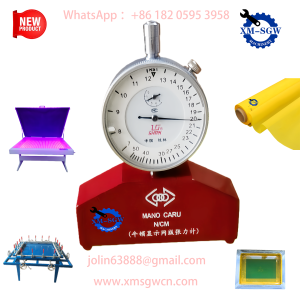
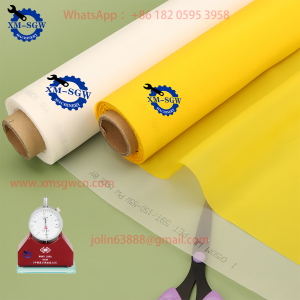
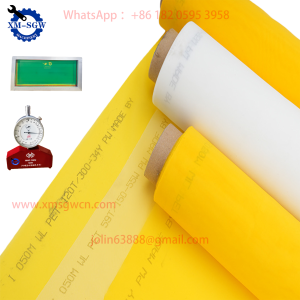
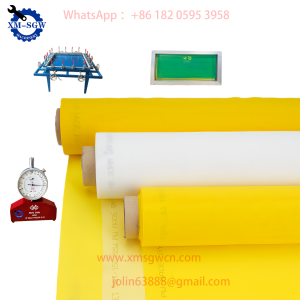
A silk screen tension meter (also called a mesh tension gauge) is a specialized instrument designed to measure the tension of screen printing meshes. Tension refers to the force applied to the mesh when it’s stretched and mounted on a frame—think of it like the tightness of a drumhead. The meter quantifies this tension in units like Newtons per centimeter (N/cm) or pounds per square inch (PSI), providing objective data to replace guesswork.
There are two main types of silk screen tension meters:
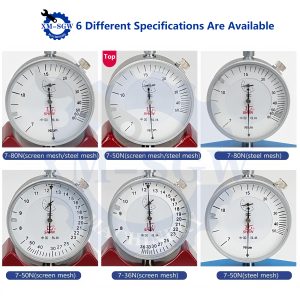
- Mechanical (Analog) Meters: Compact, affordable, and ideal for basic applications. They use a spring-loaded probe to measure tension, displaying results on a dial.
- Digital Meters: More precise, with digital displays for easy reading. Many offer data storage, calibration reminders, and compatibility with different mesh materials (polyester, nylon, stainless steel).
Why Tension Measurement Matters for Screen Printing
You might be wondering: Why not just stretch the mesh “until it feels tight”? Here’s why precise tension measurement is non-negotiable:
- Consistent Print Quality: Uniform tension ensures ink transfers evenly across the substrate, avoiding blurring, smudging, or incomplete prints. A mesh with uneven tension will produce inconsistent results—even if your design and ink are perfect.
- Longer Mesh Lifespan: Over-tensioning can stretch the mesh beyond its elastic limit, leading to permanent deformation or tearing. Under-tensioning causes the mesh to sag, requiring frequent re-stretching. A tension meter helps you hit the “sweet spot” for durability.
- Reduced Waste: Misaligned or low-quality prints mean wasted materials (substrates, ink, mesh). By maintaining optimal tension, you’ll cut down on rejects and save costs in the long run.
- Faster Setup: When replacing meshes or frames, a tension meter eliminates trial-and-error. You can quickly replicate the tension of a successful previous job, speeding up setup time and minimizing downtime.
How to Choose the Right Silk Screen Tension Meter
Not all tension meters are created equal. Here are the key factors to consider when selecting one for your needs:
1. Measurement Range
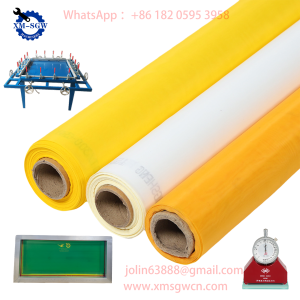
Ensure the meter’s range matches your typical mesh tension. Most screen printing applications use tensions between 12–25 N/cm (for polyester meshes). If you work with specialty meshes (e.g., fine mesh for electronics), choose a meter with a narrower, more precise range.
2. Precision and Accuracy
Look for a meter with an accuracy of ±0.5 N/cm or better. Digital meters generally offer higher precision than analog models—critical for industries like electronics or medical device printing, where tolerances are tight.
3. Mesh Compatibility
Check if the meter works with your mesh material and thread count. Polyester is the most common, but some meters are optimized for nylon or stainless steel meshes. Higher thread counts (e.g., 305–420 threads per inch) may require a meter with a smaller probe tip to fit between threads.
4. Ease of Use
For busy workshops, a user-friendly design is essential. Look for:
- Ergonomic grip for one-handed operation.
- Clear, easy-to-read display (backlit for low-light environments).
- Quick calibration (some digital models offer one-touch calibration).
5. Durability
Screen printing environments can be dusty or humid. Choose a meter with a rugged housing (e.g., aluminum or impact-resistant plastic) and water/dust resistance (IP rating of IP54 or higher).
6. Brand Reputation
Stick to trusted brands like M&R, TES, or Elcometer. These manufacturers offer reliable products with warranties and customer support—important if you need troubleshooting or calibration services.

How to Use a Silk Screen Tension Meter Correctly
Even the best meter won’t deliver accurate results if used improperly. Follow these steps for precise measurements:
- Calibrate First: Before each use, calibrate the meter using the manufacturer’s calibration block. This compensates for wear or environmental changes (e.g., temperature, humidity) that can affect accuracy.
- Choose the Right Measurement Points: Measure tension at 4–6 points across the mesh (center, corners, and midpoints of each side). Avoid measuring within 2 cm of the frame, as tension is lower near edges.
- Apply Even Pressure: For mechanical meters, press the probe perpendicular to the mesh until it clicks. For digital meters, hold the probe steady until the reading stabilizes (usually 1–2 seconds).
- Record and Average: Jot down each measurement and calculate the average. If the variation between points exceeds 1–2 N/cm, re-stretch the mesh to ensure uniformity.
- Store Properly: After use, clean the probe with a soft cloth and store the meter in a dry, protective case. Avoid dropping or exposing it to extreme temperatures.
Maintenance Tips to Extend Your Meter’s Lifespan
A well-maintained tension meter will provide accurate readings for years. Follow these maintenance practices:
- Regular Calibration: Calibrate the meter every 6–12 months (or more often if used frequently). Many manufacturers offer calibration services, or you can use a calibration kit for in-house checks.
- Clean the Probe: Ink, dust, or mesh fibers can accumulate on the probe, affecting accuracy. Wipe it with isopropyl alcohol or a lint-free cloth after each use.
- Avoid Overload: Never apply more force than the meter’s maximum range. This can damage the internal spring (mechanical) or sensor (digital).
- Battery Care (Digital Meters): Remove batteries if the meter won’t be used for extended periods. Use high-quality batteries to prevent leakage.
Common FAQs About Silk Screen Tension Meters
Q: Can I use the same meter for polyester and nylon meshes?
A: Most meters work with both, but check the manufacturer’s specifications. Some meters have adjustable settings for different mesh materials to improve accuracy.
Q: What’s the ideal tension for screen printing?
A: It depends on the mesh type, thread count, and application. For general-purpose polyester meshes (110–230 TPI), 15–20 N/cm is a safe range. Fine meshes (305+ TPI) may require higher tension (20–25 N/cm) for sharp prints.
Q: Why do my measurements vary between different parts of the mesh?
A: Uneven tension is usually caused by improper stretching (e.g., pulling one side harder than the other) or a warped frame. Re-stretch the mesh using a stretching tool, and ensure the frame is flat and rigid.
Q: Are digital meters worth the extra cost?
A: If you prioritize precision, consistency, or work with high-value products, yes. Digital meters reduce human error (e.g., misreading a dial) and offer features like data logging to track tension over time. For small shops or hobbyists, a mechanical meter may be sufficient.
Final Thoughts: Invest in Precision, Reap the Rewards
A silk screen tension meter isn’t just another tool—it’s an investment in quality, efficiency, and cost savings. By eliminating guesswork and maintaining optimal mesh tension, you’ll produce sharper, more consistent prints, reduce waste, and extend the life of your meshes and frames. Whether you’re just starting out or looking to upgrade your workflow, choosing the right tension meter and using it correctly will elevate your screen printing game.
Ready to find the perfect silk screen tension meter for your needs? Look for a model that matches your mesh type, precision requirements, and budget—and don’t forget to prioritize durability and calibration support. With the right tool in hand, you’ll turn tension from a variable into a controlled, reliable part of your printing process.