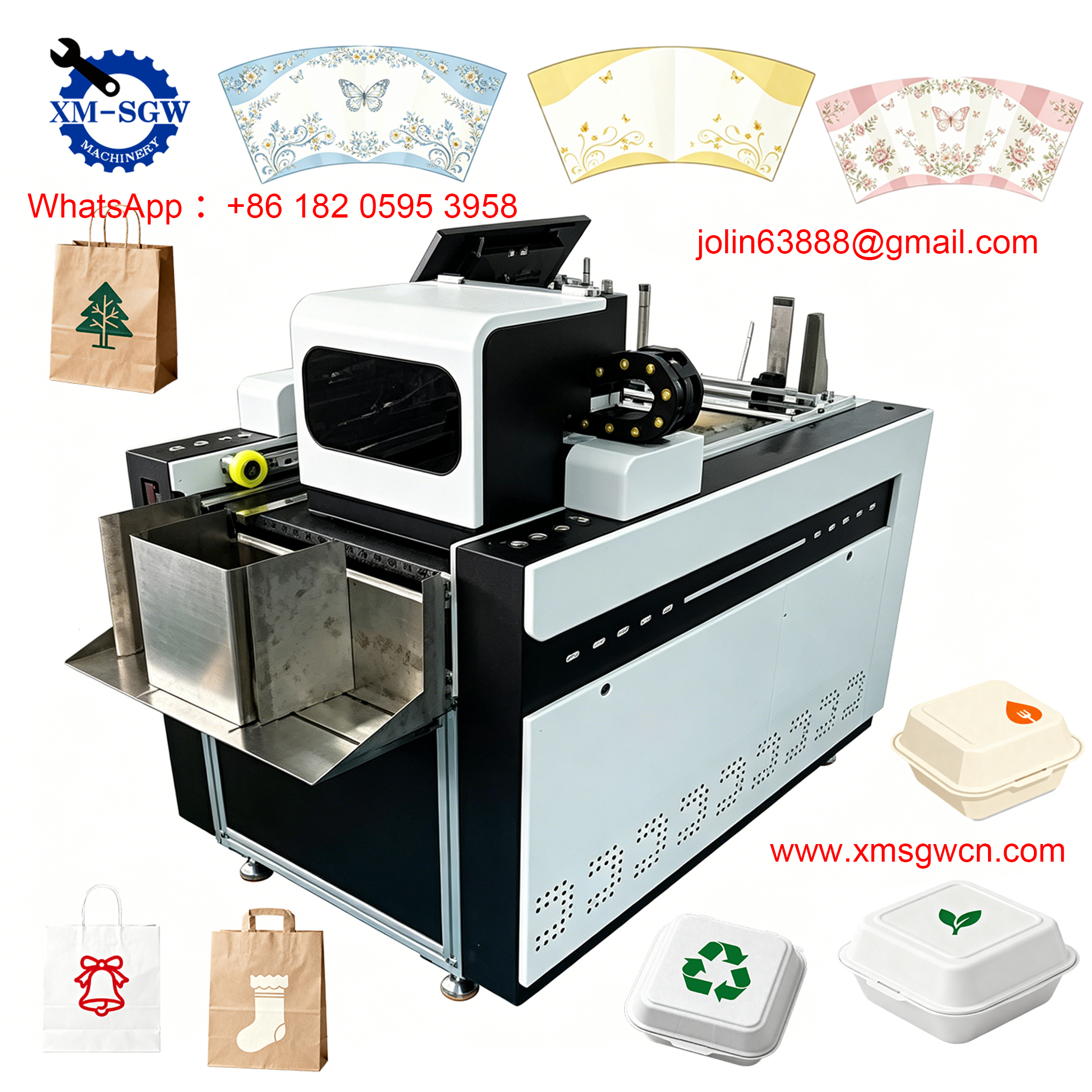
In today’s digital age, digital printers have become an essential tool in homes, offices, and creative studios—turning digital files into physical documents, photos, and designs with just a click. But have you ever wondered what happens inside a digital printer when you hit “print”? Unlike traditional printing methods that require cumbersome plates or stencils, digital printers use advanced technology to transfer digital data directly onto paper or other media. This guide breaks down the core working principles of digital printers, focusing on the two most common types: laser and inkjet printers, so you can understand the magic behind every print.
What Is a Digital Printer, Exactly?
A digital printer is an electronic device that accepts digital files (from computers, phones, or other devices) and converts them into tangible prints on media like paper, canvas, or vinyl. The key difference between digital printing and traditional printing (such as offset printing) is that digital printers do not require physical plates to create images. Instead, they use digital data to directly control the application of ink or toner, making them ideal for on-demand printing, short runs, and customized prints. Whether you’re printing a report, a family photo, or a marketing flyer, the printer follows a similar core process: data processing, image formation, and transfer to the printing medium.
The Core Working Process of All Digital Printers
No matter the type, every digital printer follows three fundamental steps to produce a print. These steps bridge the gap between your digital file and the physical paper, ensuring accuracy and quality in every output:
Step 1: Digital Data Processing
When you send a print command, your device (computer, phone, etc.) sends the digital file (PDF, Word, image, etc.) to the printer. The printer’s internal processor—often equipped with a Raster Image Processor (RIP)—then converts this file into a format the printer can understand: a bitmap. A bitmap is a grid of tiny dots (pixels) where each dot represents a single point of color or black. This process, called rasterization, ensures that every detail of your digital file—from text to images—is translated into a precise pattern that the printer can reproduce on paper. The RIP parses the file’s instructions, interprets text and image positions, and creates a pixel-by-pixel blueprint for the print.
Step 2: Image Formation
Once the bitmap is created, the printer generates the image using either ink (for inkjet printers) or toner (for laser printers). This is where the two main types of digital printers differ—each uses a unique method to form the image before transferring it to paper. We’ll dive into these differences in detail below.
Step 3: Transfer and Fixing
The final step involves transferring the formed image onto the printing medium and fixing it permanently. For inkjet printers, this means the ink dries (either through air drying or heated drying) to prevent smudging. For laser printers, the toner is fused to the paper using heat and pressure, ensuring it doesn’t rub off. This fixing process is critical for creating long-lasting, smudge-resistant prints.
How Laser Printers Work: Electrostatic Magic
Laser printers are known for their speed, crisp text, and high-volume performance—making them a staple in offices. They use electrostatic technology (called electrophotography or xerography) to transfer toner onto paper, following six key steps that work in perfect synchronization:
1. Charging the Photoconductor Drum
At the heart of a laser printer is a cylindrical photoconductor drum (or OPC drum) made of aluminum with a光敏 (light-sensitive) surface. Before printing, a primary charge roller applies a uniform negative charge (typically -600V to -800V) to the entire surface of the drum. This charge prepares the drum to receive the image pattern.
2. Exposing the Drum with Laser Light
A laser scanning unit emits a thin laser beam, which is reflected off a rotating polygon mirror to scan the charged drum surface. The laser’s on/off state is controlled by the bitmap data: when the bitmap shows a “1” (a point that needs to be printed), the laser turns on, hitting the drum’s surface. The光敏 material on the drum conducts electricity when exposed to light, so the areas hit by the laser lose their negative charge (dropping to around -100V). Areas not hit by the laser remain highly charged, creating an invisible electrostatic latent image on the drum—exactly matching the bitmap pattern.
3. Developing: Applying Toner to the Drum
The developing unit contains fine, negatively charged toner (a powder made of plastic and pigment). The toner is attached to a magnetic developing roller, which also carries a negative charge (around -300V). Due to the principle of “like charges repel, opposite charges attract,” the toner is repelled by the highly charged (unexposed) areas of the drum but attracted to the low-charge (exposed) areas. This process transfers the toner onto the drum, turning the invisible latent image into a visible toner image.
4. Transferring Toner to Paper
A sheet of paper is fed into the printer and passes between the photoconductor drum and a transfer roller. The transfer roller applies a strong positive charge to the back of the paper—stronger than the negative charge of the toner on the drum. This positive charge pulls the negatively charged toner off the drum and onto the paper, transferring the image onto the paper’s surface.
5. Fusing the Toner Permanently
The toner is still loose on the paper at this stage, so the paper passes through the fuser unit—a pair of rollers (a heated roller and a pressure roller). The heated roller (typically 180-200°C) melts the plastic in the toner, while the pressure roller presses the melted toner into the paper’s fibers. This fuses the toner permanently to the paper, creating a smudge-resistant print.
6. Cleaning and Resetting the Drum
After transferring the toner, a cleaning blade scrapes off any remaining toner from the drum and collects it in a waste toner bin (though some modern printers use “zero-waste toner” technology to eliminate this step by optimizing transfer efficiency). A discharge lamp then neutralizes any remaining charge on the drum, resetting it for the next print job.
How Inkjet Printers Work: Precision Ink Droplets
Inkjet printers are popular for home use, photo printing, and colorful designs, thanks to their ability to produce high-quality color images. They work by spraying tiny droplets of liquid ink onto paper, with two main technologies: thermal (bubble) inkjet and piezoelectric inkjet.
1. Thermal (Bubble) Inkjet Technology
This is the most common type of inkjet technology, used in many consumer printers. Inside the inkjet cartridge, tiny heating elements (resistors) are positioned above each nozzle. When the printer receives bitmap data, an electric current heats the resistor, causing the ink around it to vaporize and form a small bubble. The pressure from the expanding bubble pushes a tiny droplet of ink out of the nozzle and onto the paper. As the bubble cools and collapses, more ink is drawn into the nozzle to replace the droplet, ready for the next cycle. This process happens thousands of times per second, creating precise, high-resolution images.
2. Piezoelectric Inkjet Technology
Used in more professional inkjet printers (e.g., for photo printing or large-format prints), piezoelectric inkjet uses tiny piezoelectric crystals instead of heating elements. When an electric current is applied to the crystal, it bends or vibrates, squeezing the ink chamber and forcing a droplet of ink out of the nozzle. This method is more precise than thermal inkjet, producing smaller, more consistent ink droplets—and it doesn’t heat the ink, making it ideal for sensitive inks (like those used in high-quality photo printing).
3. Ink Drying
After the ink droplets hit the paper, they need to dry to prevent smudging. Most consumer inkjet printers use air drying, while professional models may use heated rollers or fans to speed up the drying process. Some printers use pigment-based inks (which dry faster and are more water-resistant) or dye-based inks (which produce brighter colors but may take longer to dry).
Key Differences Between Laser and Inkjet Printers
Understanding the differences between laser and inkjet printers can help you choose the right one for your needs. Here’s a quick breakdown of their core distinctions, based on their working principles:
-
Image Formation: Laser printers use toner and electrostatic charge; inkjet printers use liquid ink and droplets.
-
Speed: Laser printers are faster, especially for high-volume printing (20-40 pages per minute), while inkjet printers are slower but more precise for color images.
-
Print Quality: Laser printers excel at sharp text and clean lines (ideal for documents), while inkjet printers produce smoother color gradients and better photo quality.
-
Cost: Laser printers have a higher upfront cost but lower cost per page for high-volume printing; inkjet printers are cheaper upfront but have higher ink costs over time.
Other Digital Printer Types (Brief Overview)
While laser and inkjet are the most common, there are other digital printer types with unique working principles:
-
Thermal Printers: Use heat to transfer wax-based ink from a ribbon to paper (common in receipt printers) or directly heat special paper to create images (no ink required).
-
Dye-Sublimation Printers: Heat solid dye to convert it into a gas, which bonds with the print medium (e.g., polyester fabric or photo paper) for long-lasting, vibrant prints (ideal for photos and custom merchandise).
-
Solid Ink Printers: Melt solid ink sticks into liquid, then spray the ink onto a transfer drum before transferring it to paper—combining the speed of laser printers with the color quality of inkjet printers.
Final Thoughts: The Beauty of Digital Printing Technology
Digital printers have revolutionized how we create physical prints, combining software precision with hardware innovation to turn digital files into tangible products. Whether it’s the electrostatic dance of a laser printer or the precise ink droplets of an inkjet, every print is the result of a carefully coordinated process—from data processing to image transfer and fixing. Understanding how digital printers work not only helps you appreciate the technology but also allows you to choose the right printer for your needs, troubleshoot common issues, and get the best possible print quality.
Next time you hit “print,” take a moment to think about the complex, seamless process happening inside your printer—turning bits and bytes into something you can hold, share, and use.