Meta Description: Learn what a digital printer is, how it works, core types, key benefits, and real-world industry applications in 2026. Compare digital vs. screen/offset printing and find the right solution for your business.
Introduction
The global printing industry has undergone a fundamental shift toward digital technology over the past decade, and this transformation continues to accelerate in 2026. Valued at over $23 billion in 2026, the digital printing market is growing at a steady 4% annual rate, driven by demand for customization, fast turnaround, and sustainable manufacturing practices across nearly every industrial sector.
Unlike traditional printing methods that rely on physical plates, screens, or lengthy setup processes, digital printing enables direct production from a digital file to a physical substrate — unlocking on-demand manufacturing, variable data personalization, and agile supply chains that were impossible with legacy technology.
In this complete guide, we break down everything you need to know about digital printers:
- Core definition and how digital printing technology works
- The most common types of digital printers and their use cases
- Digital printing vs. screen printing vs. offset printing: side-by-side comparison
- Key advantages driving adoption across industries
- Real-world applications for packaging, textiles, electronics, and more
- How to select the right digital printer for your operation
Whether you are evaluating your first industrial printer, comparing marking technologies, or scaling your production capacity, this guide will help you make a data-driven decision.
What Is a Digital Printer?
A digital printer is a production device that converts digital files (PDFs, vector graphics, images) directly into printed output on a physical substrate, without requiring physical plates, screens, or tooling changes between jobs.
At its core, the defining feature of digital printing is the direct digital-to-substrate workflow. Instead of transferring an image through an intermediate physical tool (such as an offset plate or a screen mesh stencil), digital printers precisely place ink, toner, or other marking materials pixel by pixel, guided entirely by digital data.
This eliminates the majority of prepress work and allows every printed piece to be unique — a capability known as variable data printing (VDP) that no analog method can match efficiently.
Core Characteristics of Digital Printing
- Zero plate or screen tooling: Production can start minutes after a file is submitted
- Variable data capability: Text, graphics, and codes can change from one piece to the next without downtime
- Short-run cost efficiency: Economical even for quantities as low as one unit
- Fast setup and changeover: Job switches take minutes, not hours
- High resolution: Modern industrial systems deliver 600–2400 dpi output with photorealistic quality
How Do Digital Printers Work?
While specific mechanics vary by technology, all digital printers follow the same core workflow:
- File intake & processing: The printer receives a digital file and a RIP (Raster Image Processor) converts the design into precise nozzle or laser control data.
- Imaging: The print head or imaging system deposits marking material (ink, toner) onto the substrate according to the digital map.
- Fixing / curing: The ink or toner is bonded to the substrate through heat, UV light, or air drying.
- Output & finishing: Printed parts proceed to cutting, laminating, or further assembly.
Below are the two dominant working principles used in industrial digital printers:
1. Inkjet Technology
Inkjet systems use arrays of microscopic nozzles to spray tiny droplets of liquid ink directly onto the substrate. This is the most versatile digital printing technology and is used for everything from paper and packaging to textiles, glass, and metal.
Key inkjet ink types include:
- UV-curable ink: Cures instantly under UV-LED light, adheres to almost any rigid or flexible material, and produces zero VOC emissions
- Water-based / aqueous ink: Common for paper, textiles, and indoor applications
- Solvent ink: Durable for outdoor signage, but higher VOC content
- Latex ink: Water-based polymer formula that combines durability with low environmental impact
- Dye sublimation ink: Transfers onto polyester fabrics and hard substrates via heat
2. Electrophotographic (Laser / Toner) Technology
Laser printers use a charged photoconductive drum, a laser beam, and powdered toner to create images:
- A laser draws the design onto the drum, altering its electrostatic charge
- Charged toner powder sticks only to the exposed image areas
- The toner is transferred to the substrate
- Heat and pressure fuse the toner permanently onto the material
Laser technology dominates office and commercial document printing, and high-volume digital presses use the same principle for packaging and publishing applications.
Main Types of Digital Printers (2026 Industry Classification)
Digital printers are categorized by their imaging technology and intended application. Here are the most important types for industrial and commercial use:
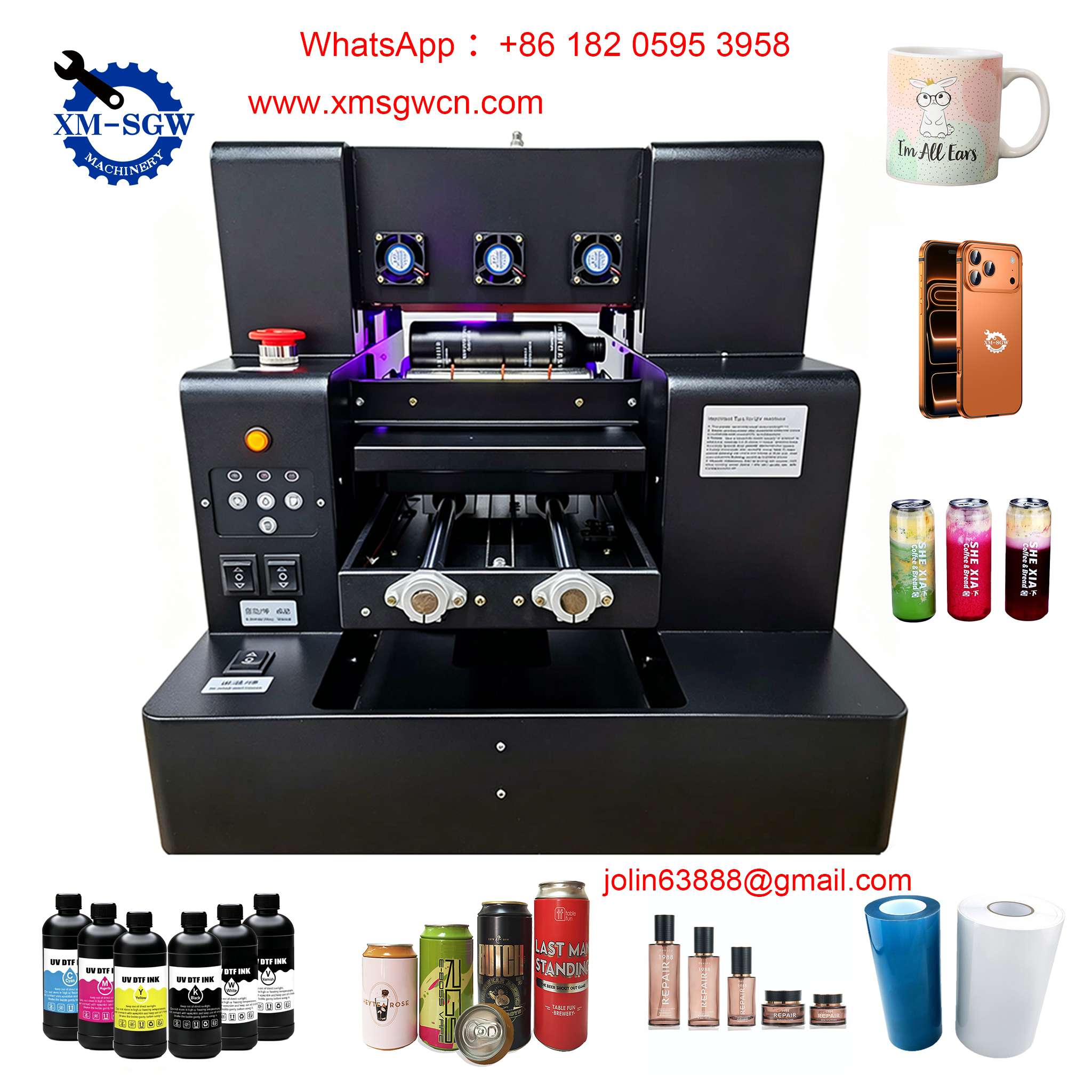
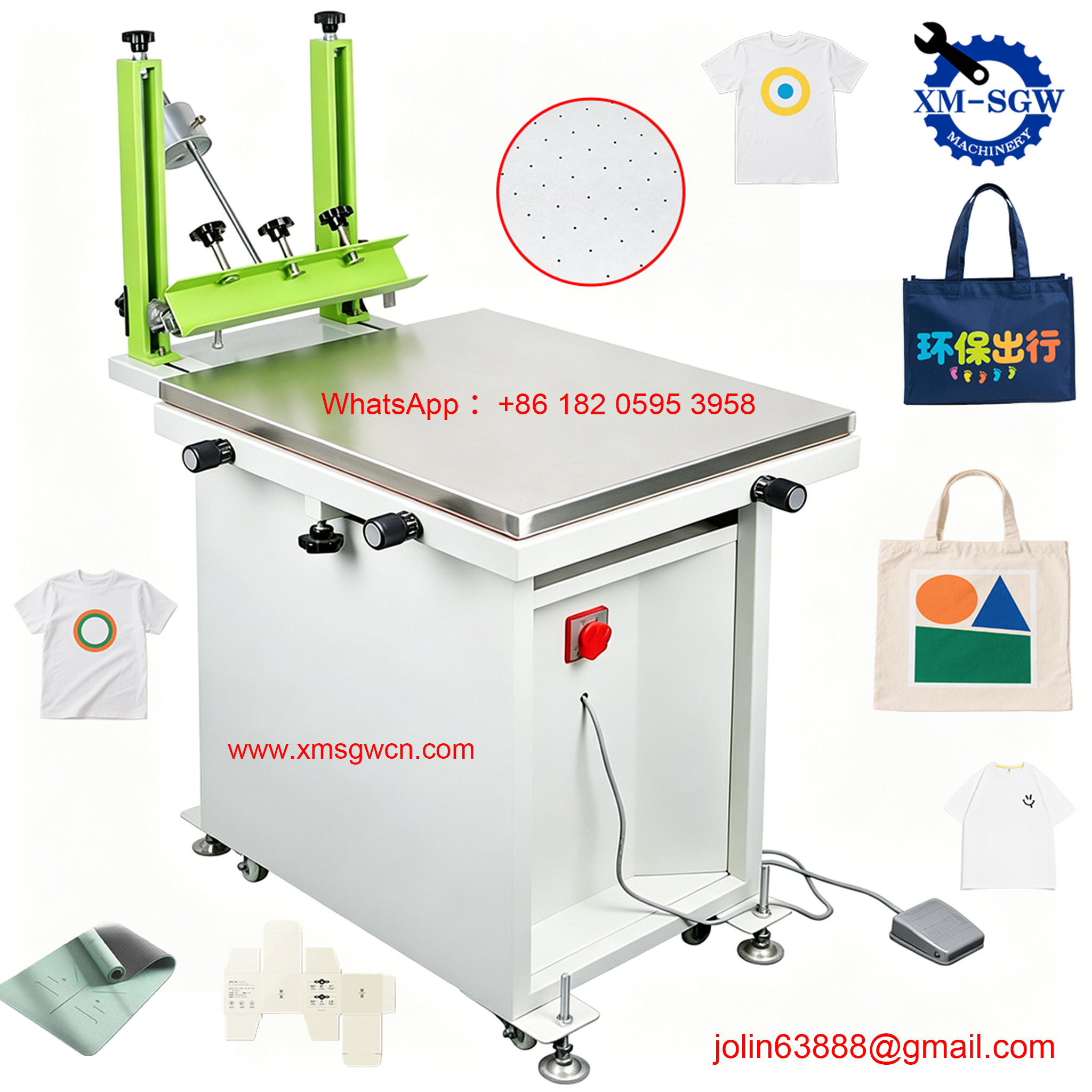
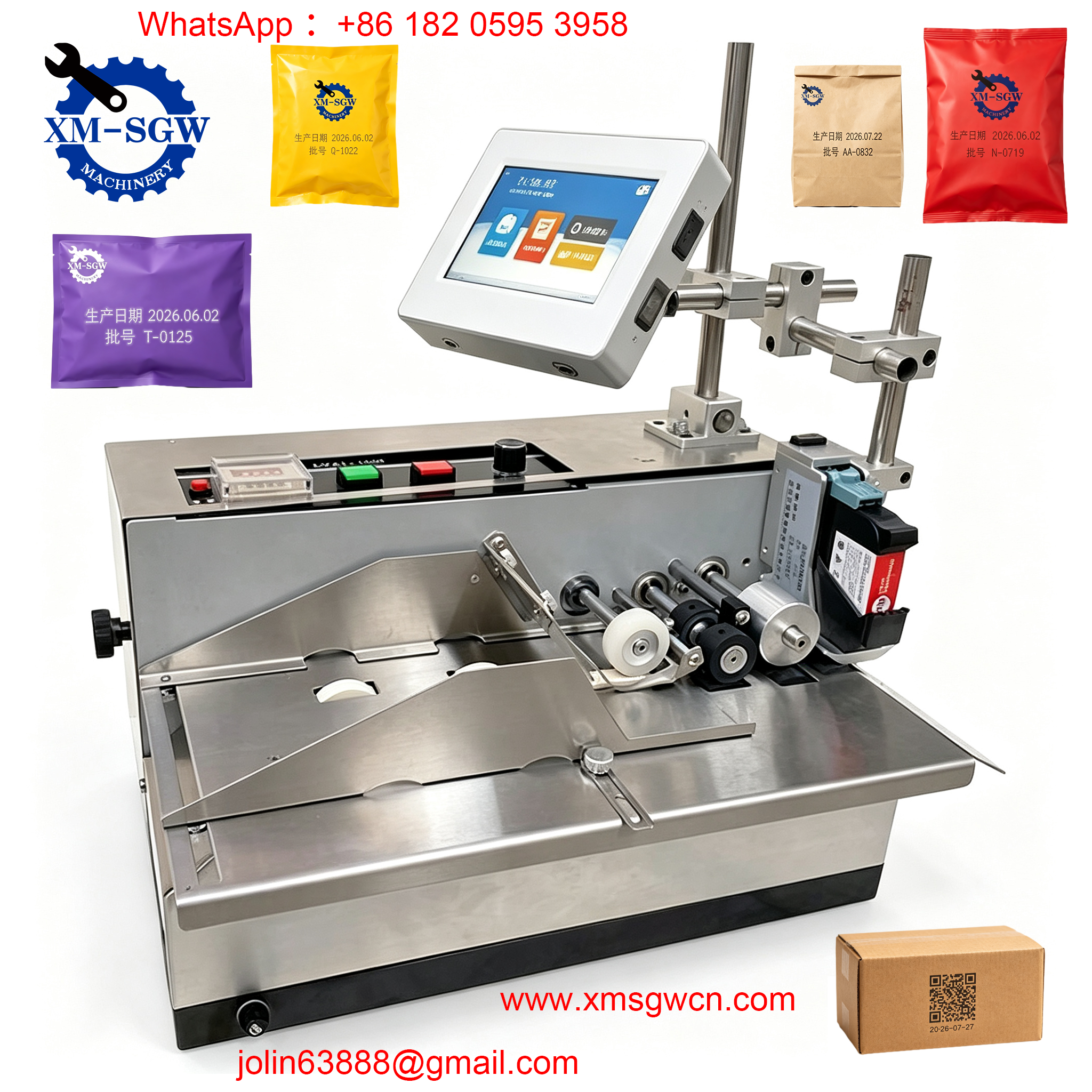
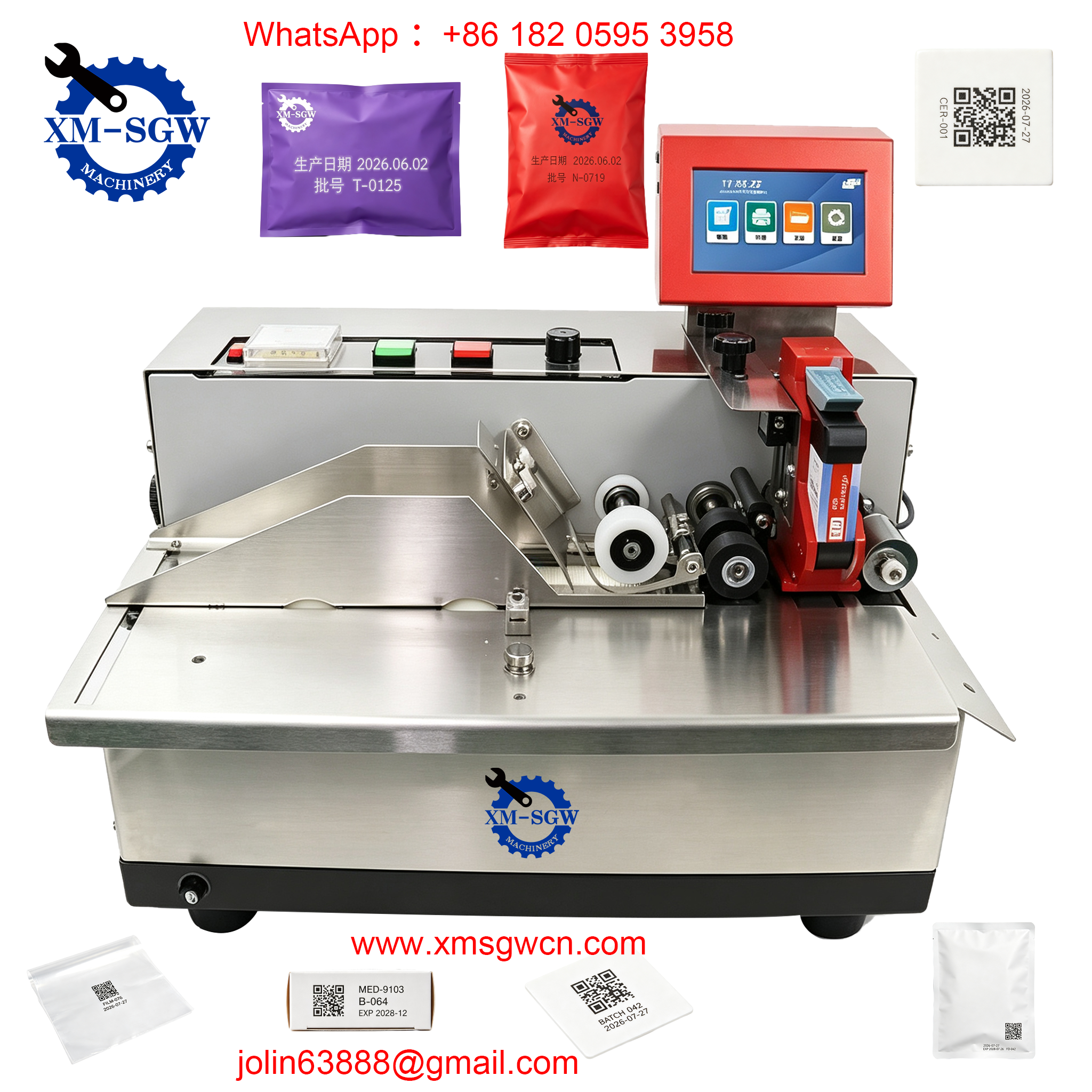
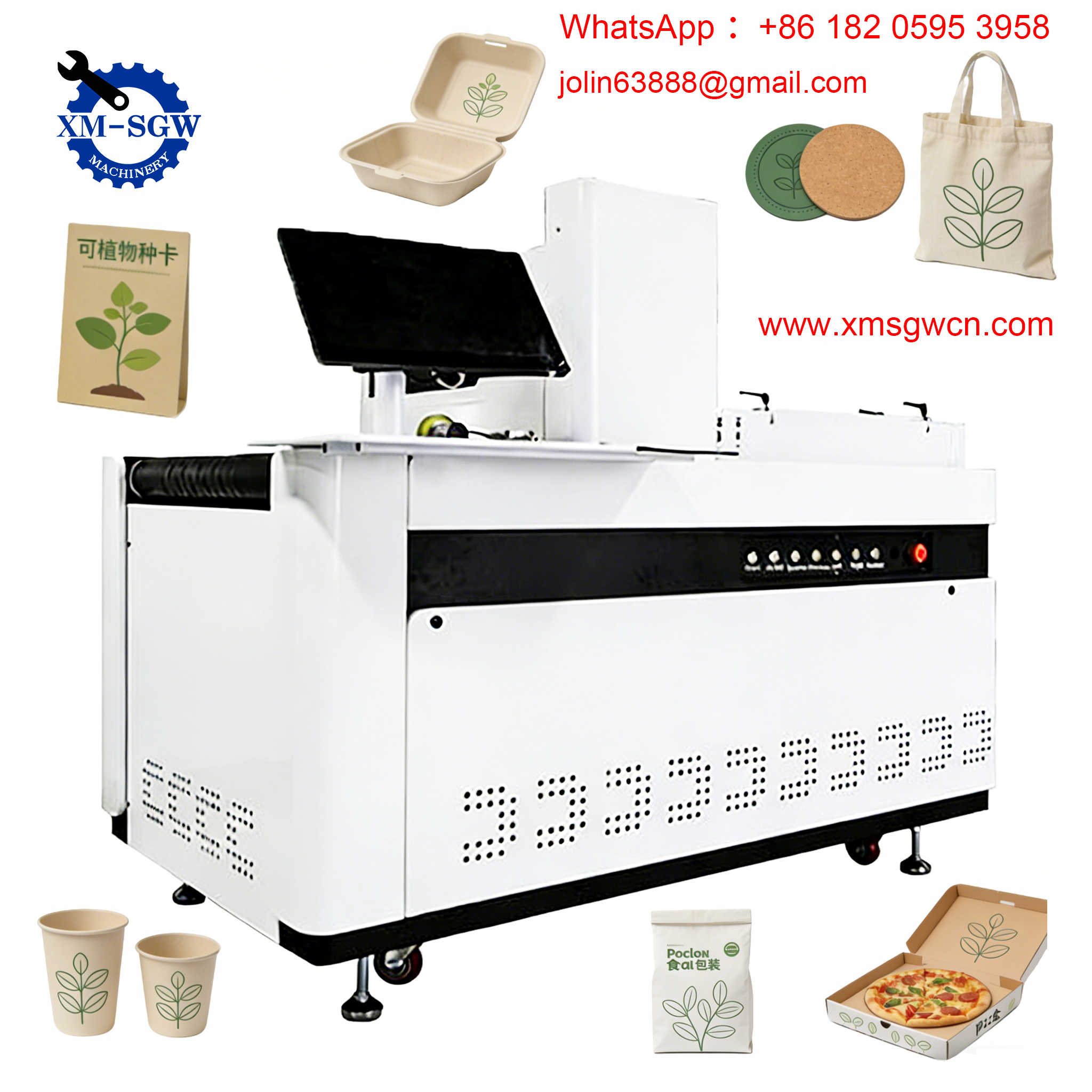
1. UV Inkjet Printers
- How it works: Droplets of UV ink are jetted onto the substrate and instantly cured by UV-LED lamps
- Best for: Rigid substrates (acrylic, glass, metal, wood), packaging, signage, industrial product marking
- Advantages: Instant curing, exceptional adhesion, wide material compatibility, zero drying time
- 2026 trend: UV-LED systems now reduce energy use by up to 50% compared to older mercury lamp designs
2. Direct-to-Garment (DTG) Printers
- How it works: Water-based textile ink is sprayed directly onto cotton and blended fabrics
- Best for: Custom apparel, t-shirts, hoodies, and promotional clothing
- Advantages: Full-color photorealistic prints, no minimum order quantity, soft hand feel
- Limitations: Slower for bulk production; requires pre-treatment on dark garments
3. Dye Sublimation Printers
- How it works: Ink is first printed onto transfer paper, then vaporized and infused into polyester under heat
- Best for: Sportswear, home textiles, flags, custom hard goods (mugs, phone cases)
- Advantages: Vibrant permanent color, no texture on fabric, excellent wash durability
- Limitations: Only works on polyester or polymer-coated substrates
4. Roll-to-Roll Digital Printers
- How it works: Prints continuously on flexible materials fed from rolls
- Best for: Vinyl banners, wallpaper, flexible packaging, labels, leather
- Advantages: High-speed continuous production, ideal for large-format and long runs
5. Flatbed Digital Printers
- How it works: Prints on rigid sheets or objects placed on a flat moving bed
- Best for: Sign boards, glass panels, wood, metal sheets, industrial parts
- Advantages: Handles thick and irregularly shaped rigid materials
6. Laser / Digital Production Presses
- How it works: Toner-based electrophotographic technology at industrial scale
- Best for: Commercial print, books, brochures, folding cartons, transactional documents
- Advantages: Extremely fast for high-volume paper printing, precise text quality
Digital Printing vs. Traditional Printing: 2026 Comparison
How does digital printing stack up against screen printing and offset lithography? The table below breaks down the key differences:
| Feature | Digital Printing | Screen Printing | Offset Printing |
|---|---|---|---|
| Setup time | 5–15 minutes (no tooling) | 45–90 minutes (per screen) | 30–60 minutes (per plate set) |
| Best run size | 1–500 units | 100+ units | 2,000+ units |
| Cost per unit | Flat regardless of quantity | Drops sharply with volume | Lowest at high volume |
| Variable data | Excellent (native capability) | Not possible | Not possible |
| Color accuracy | ΔE 2–4 (calibrated systems) | ΔE 3–6 | ΔE 2–4 |
| Substrate range | Wide (ink-dependent) | Very wide | Mostly paper/cardstock |
| Ink laydown | Thin, precise layers | Thick, opaque layers | Thin, consistent layers |
| Typical resolution | 600–2400 dpi | 100–300 dpi | 150–200 lpi |
The Break-Even Rule of Thumb
- Under 500 units: Digital printing is almost always more cost-effective and faster
- 500–2,000 units: Depends on color count and substrate type
- Over 2,000 units with a fixed design: Analog methods (screen or offset) usually offer lower per-unit cost
In 2026, many production facilities operate hybrid workflows, using digital for short runs and customization, and analog for high-volume standard jobs.
Key Advantages of Digital Printers for Businesses
1. No Tooling Costs
Eliminating plates, screens, and setup tooling cuts upfront costs dramatically for small and medium runs. Design changes can be made at zero extra cost right up to production.
2. Unmatched Speed to Market
Digital printers can go from file to finished part in minutes, enabling same-day production and rapid prototyping — a critical advantage for e-commerce and agile supply chains.
3. True Personalization & Variable Data
Every single piece can carry unique text, QR codes, serial numbers, names, or custom graphics without slowing production. This is essential for pharmaceutical serialization, personalized marketing, and track-and-trace applications.
4. Reduced Waste & Higher Sustainability
Digital printing produces approximately 28% less material waste than analog methods because there are no setup spoils, no unused plates, and minimal ink waste. UV and water-based ink systems further reduce environmental impact.
5. On-Demand Inventory & Zero Stock Risk
Brands can print exactly what they need, when they need it, instead of producing large batches that sit in warehouses. This eliminates obsolete inventory and reduces storage costs dramatically.
Major Industry Applications in 2026
Digital printing has expanded far beyond paper and signage. Today it is a core manufacturing technology across these sectors:
1. Packaging & Labeling (46% of market)
Digital label and packaging printing is the fastest-growing segment, driven by short-run product launches, limited editions, and regionalized branding. It is also the leading technology for pharmaceutical serialization and anti-counterfeiting codes required by global regulations.
2. Textile & Apparel (~20% of market)
Digital textile printing reduces water consumption by up to 90% compared to traditional dyeing methods. It powers the fast fashion and custom apparel industries, from on-demand t-shirts to home décor fabrics.
3. Advertising & Signage (~30% of market)
Large-format digital printers produce banners, billboards, trade show displays, and point-of-purchase graphics with fast turnaround and full-color capability.
4. Electronics & Industrial Marking
High-precision digital printers deposit functional inks for circuit boards, membrane switches, and product branding on plastic, metal, and glass components.
5. Publishing & Commercial Print (~31% of market)
Book-on-demand (POD) and print-on-demand publishing have eliminated the need for large print runs and warehouse storage, making niche and backlist titles economically viable again.
6. Medical & Pharmaceutical
Digital printers apply permanent markings on syringes, vials, and medical devices, as well as track-and-trace codes on packaging to comply with global drug supply chain regulations.
How to Choose the Right Digital Printer for Your Business
Selecting the best digital printer depends on your specific production requirements. Follow this decision framework:
Step 1: Define Your Substrates & Applications
- What materials will you print on? (Paper, plastic, fabric, glass, metal, etc.)
- Are parts flat, curved, rigid, or flexible?
- What is the maximum print size you need?
Step 2: Calculate Production Volume
- Low volume / prototyping: Desktop or entry-level flatbed UV printer
- Medium volume / job shop: Industrial flatbed or roll-to-roll inkjet
- High volume / dedicated production: High-speed industrial digital press or inline system
Step 3: Evaluate Performance Requirements
- Required resolution and color accuracy
- Single-color vs. full-color production
- Required durability (outdoor, chemical resistance, washability)
Step 4: Calculate Total Cost of Ownership
Look beyond the purchase price and factor in:
- Ink and consumable costs per square meter
- Energy consumption
- Maintenance and spare parts
- Operator training requirements
- Expected machine lifespan
Step 5: Verify Supplier Support
- Does the supplier provide installation, training, and local service?
- Are spare parts readily available in your region?
- Do they offer software updates and long-term technical support?
Frequently Asked Questions
Q: What is the main difference between a digital printer and a regular printer?
A: All modern desktop printers are technically digital. In industrial terminology, “digital printer” usually refers to production-grade systems designed for commercial or manufacturing use, as opposed to small office/home office devices. The core principle — direct digital file-to-print with no plates — is the same.
Q: Is digital printing cheaper than screen printing?
A: For runs of fewer than 50–100 pieces, yes. For very large quantities with a fixed design, screen printing has a lower per-unit cost because the initial screen setup cost is spread across more units. The exact break-even point depends on the number of colors and substrate type.
Q: How durable are digitally printed products?
A: Durability varies by ink type. UV-curable and dye-sublimation prints are extremely long-lasting and resistant to weather, abrasion, and washing. Water-based inks on fabric typically last 30–50 washes. With the right ink system, digital prints can match or exceed analog durability.
Q: What materials can a digital printer print on?
A: With the right ink configuration, digital printers can print on paper, cardboard, plastic, glass, metal, wood, leather, fabric, ceramic, and more. Material compatibility is determined primarily by the ink chemistry and curing method.
Q: Can digital printing replace screen printing entirely?
A: Not for every application. Screen printing still produces thicker, more opaque ink layers and has lower per-unit costs at very high volumes. However, digital printing is preferred for short runs, full-color designs, variable data, and fast turnaround. Most modern print shops use both technologies.
Conclusion
Digital printing has evolved from a niche convenience technology into a foundational manufacturing capability in 2026. Its ability to deliver fast, flexible, and customized production — with lower waste and no tooling costs — aligns perfectly with the global shift toward on-demand manufacturing, personalized products, and sustainable supply chains.
There is no single “best” digital printer for every business. The right system depends on your substrates, production volume, quality requirements, and long-term growth plans. For many operations, the optimal strategy is a hybrid approach that combines digital printing’s flexibility with the high-volume efficiency of traditional methods.
As inkjet head technology, UV curing, and AI-driven automation continue to advance, digital printers will become even faster, more affordable, and more capable — opening up new applications across every industry.
Ready to find the right digital printing solution for your operation?
Download our free 2026 Digital Printer Buyer’s Checklist to compare specifications and avoid costly mistakes. Or contact our technical team today for a personalized recommendation based on your exact application and production needs.